Getting Started
Robots
Learn how to use Logspot robots to get notified of important events.
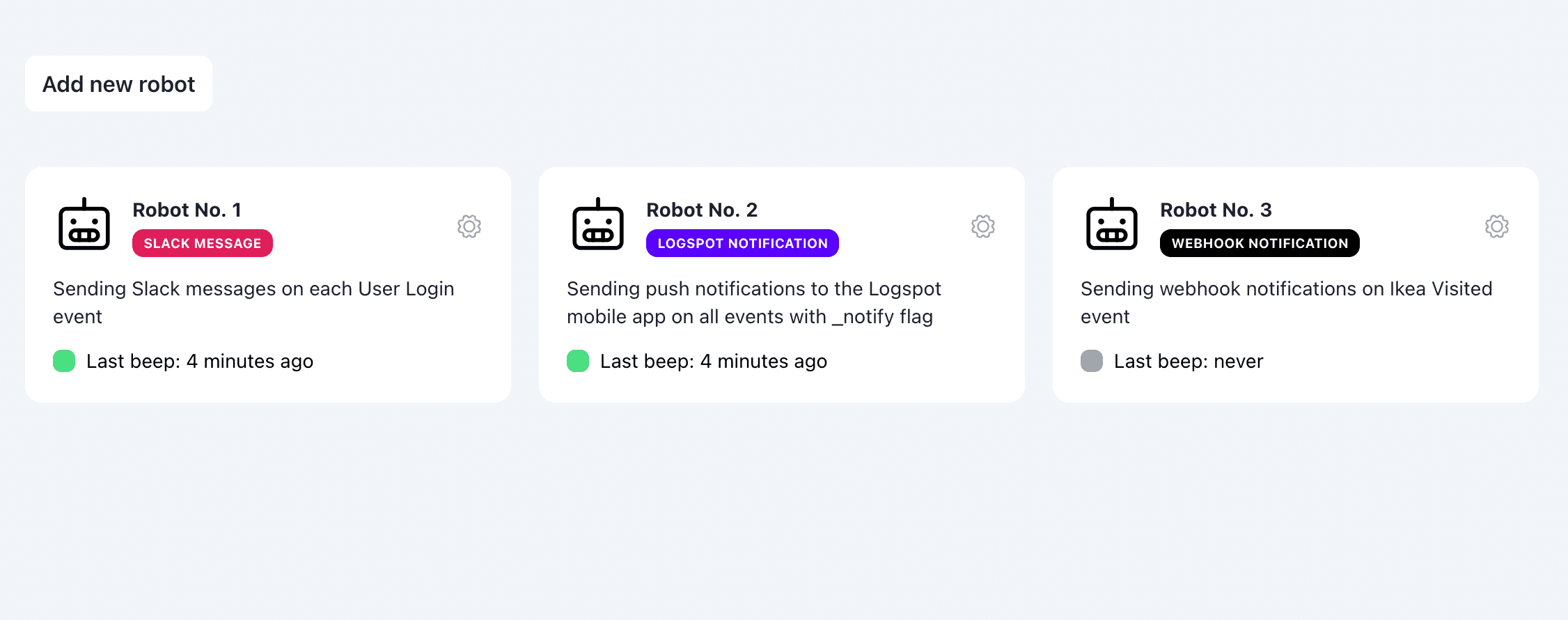
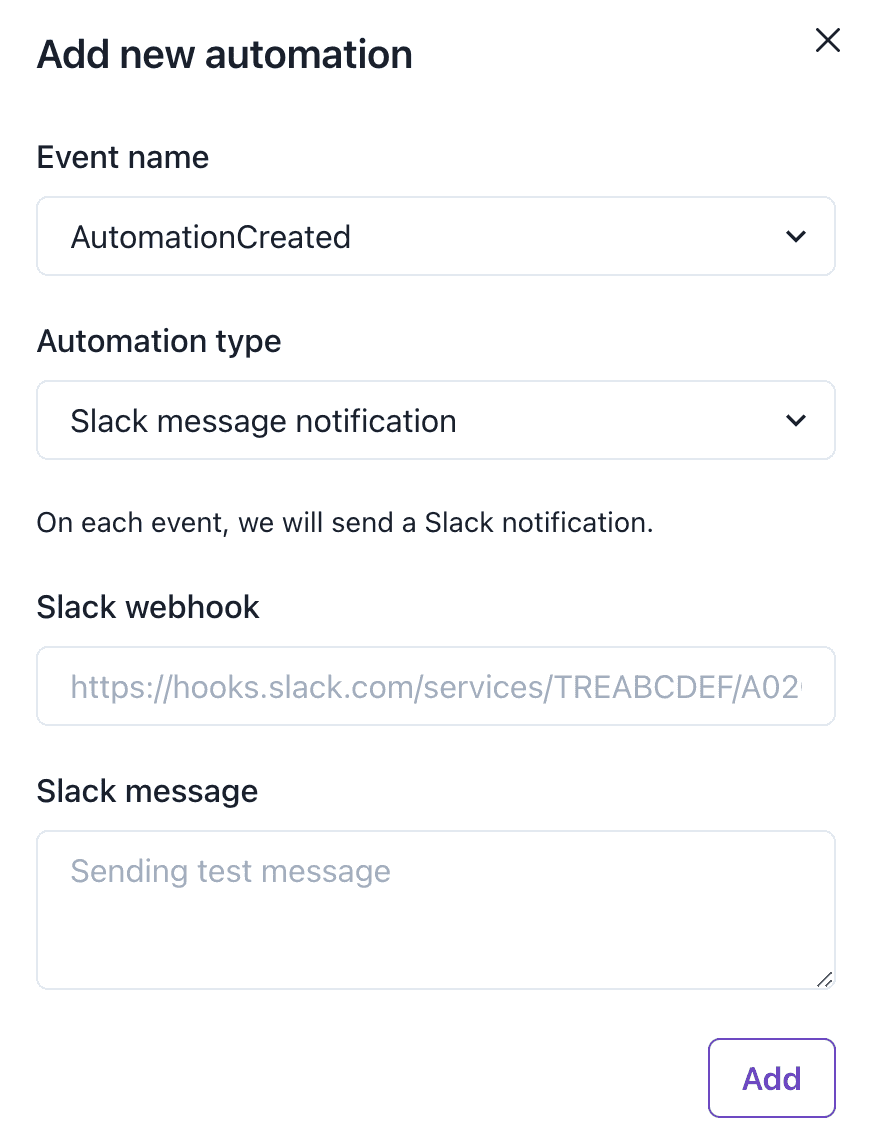
Slack Notifications
Send a Slack message on each event.
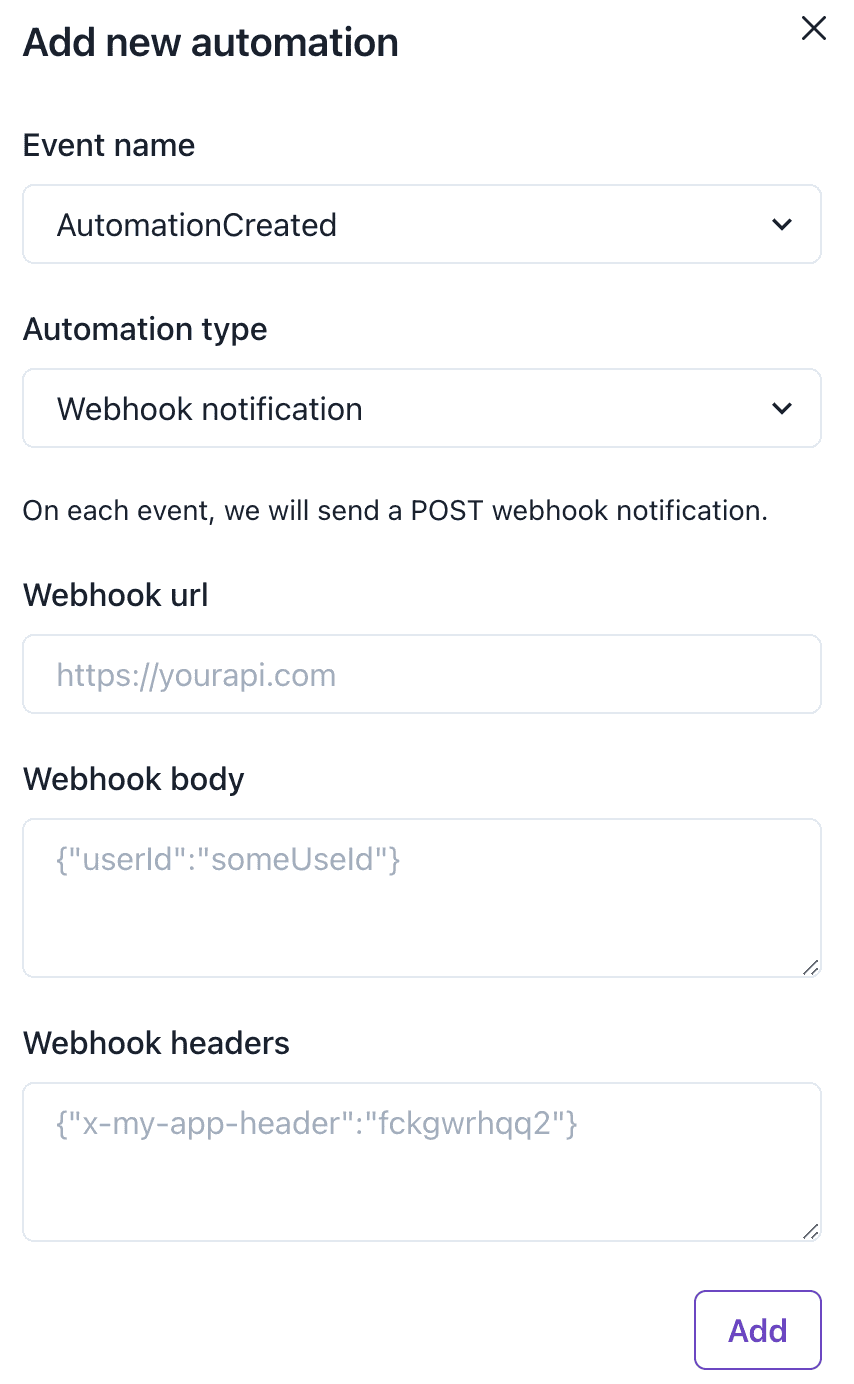
Webhook Notifications
Send a Webhook request on each event.
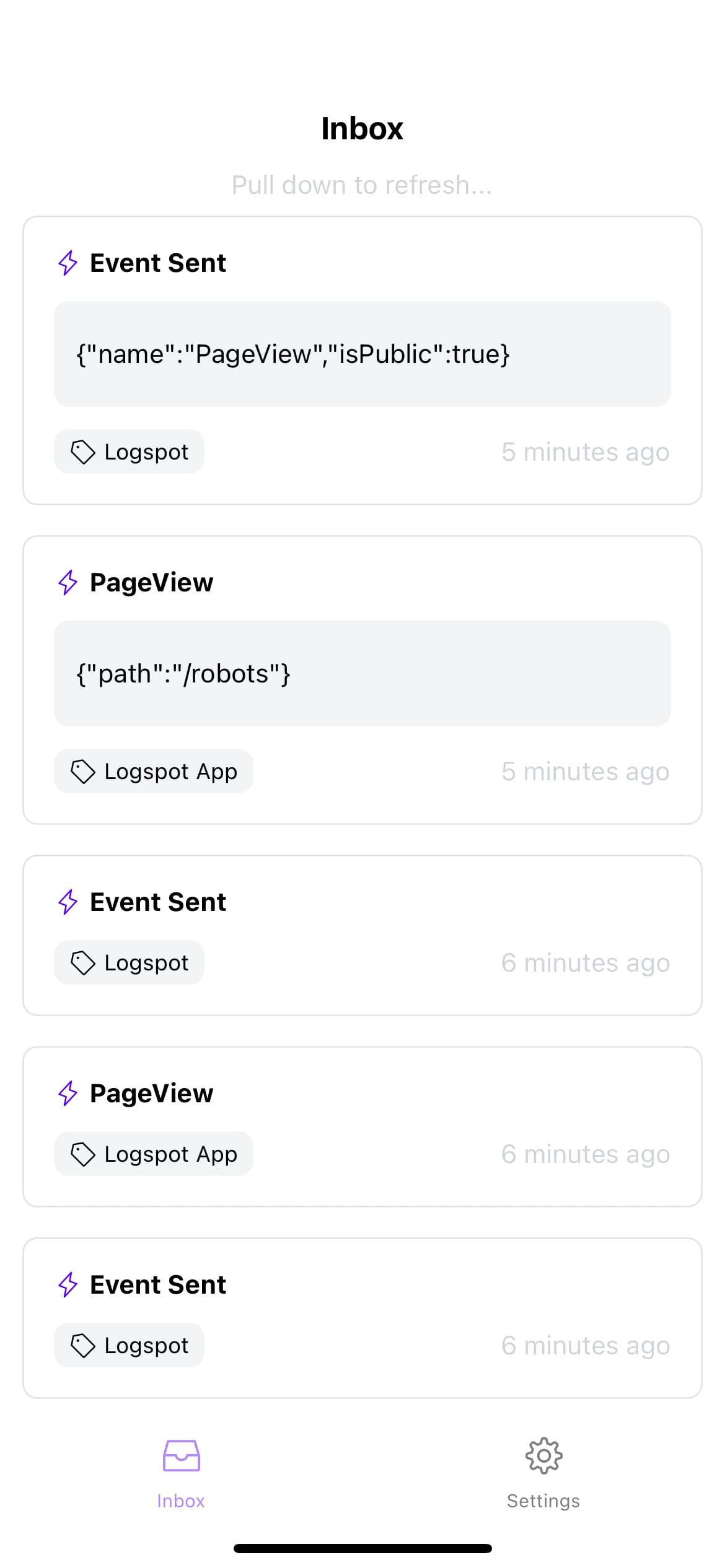
Mobile App Notifications
Send a mobile notification on each event via Logspot mobile app.
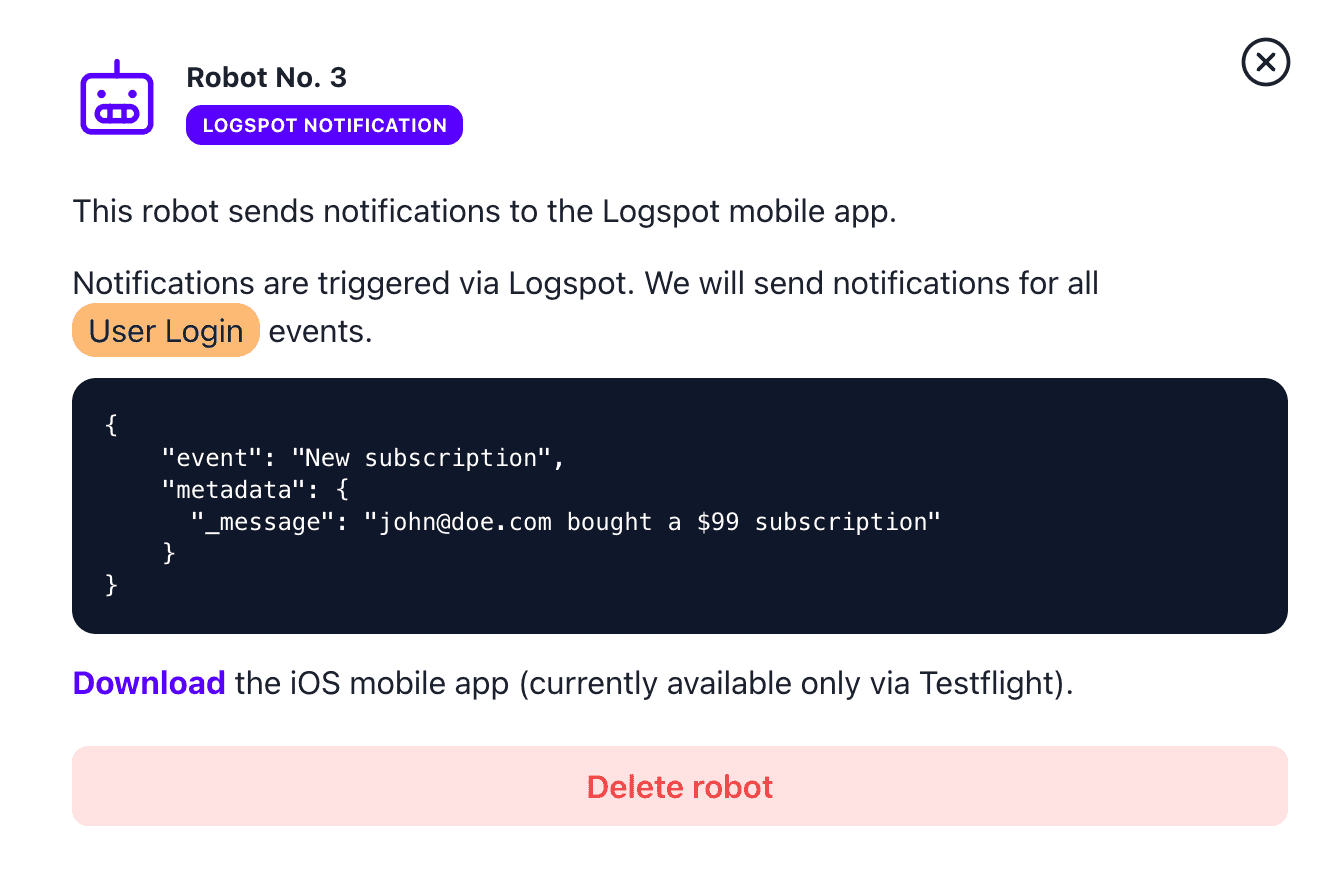
Send Notification on Each X Event
- Create a notification robot in the Logspot dashboard
- Send a matching event
You can add _message field to the metadata which will be displayed in the notification and in the mobile app.
Logspot.track({
  event: 'User Login',
  userId: 'john@doe.com',
  message: 'New login 🥳',
  metadata: {
    userId: 123,
  },
});
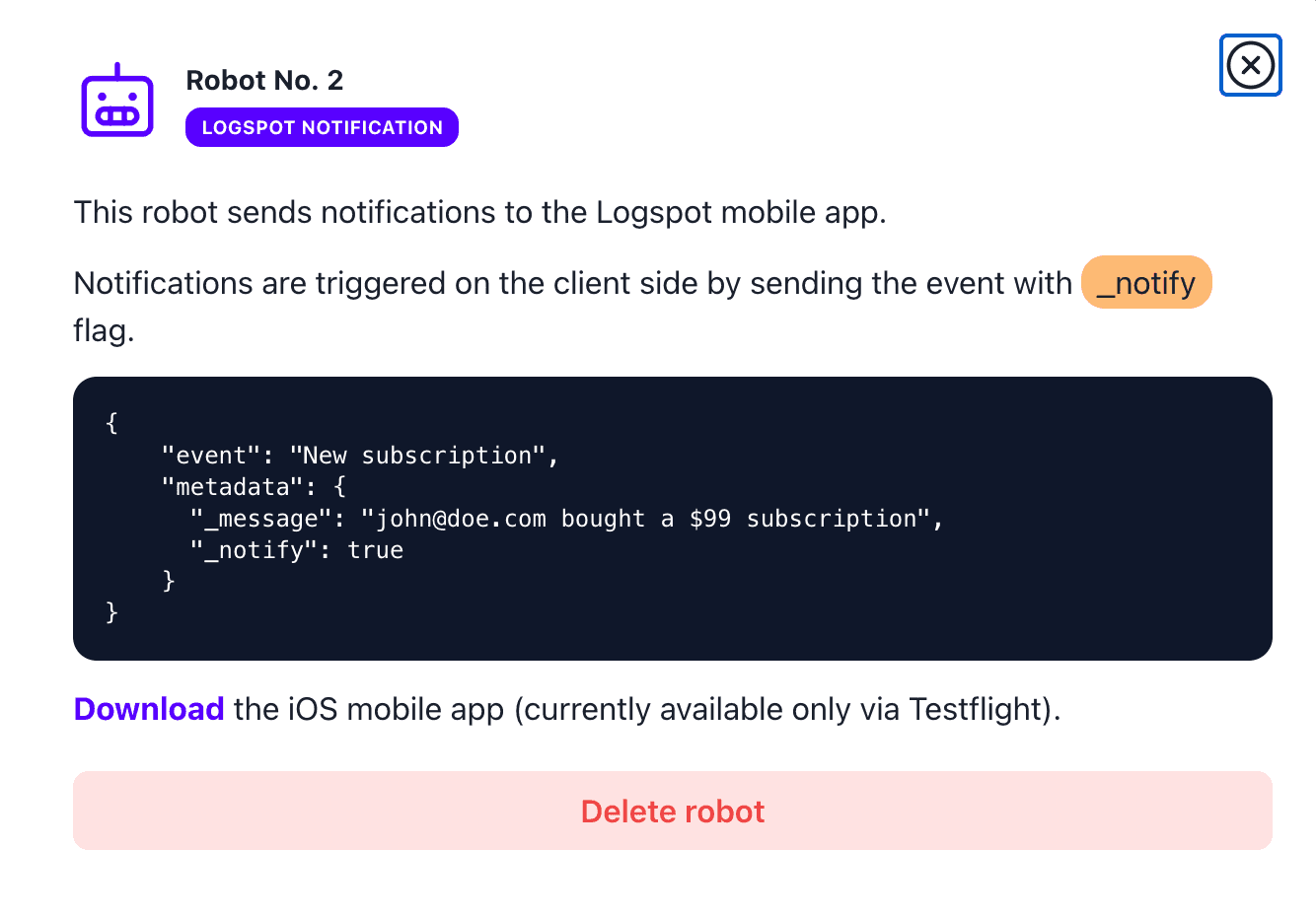
Send Notification on All Events Having _notify Flag
You can send notifications automatically from the client side.
- Create a notification robot in the Logspot dashboard
- Send an event with
_notifyflag set to true
You can add _message field to the metadata which will be displayed in the notification and in the mobile app.
Logspot.track({
  event: 'User Login',
  userId: 'john@doe.com',
  notify: true,
  message: 'New login 🥳',
  metadata: {
    userId: 123,
  },
});